Start with the image you have
Use JPG, PNG, or WebP without converting the original file first.
Image to sticker converter
StickerSplit is an image to sticker converter for creators making transparent cutouts, with free generation and previews. Sign up for 1 free credit; each downloaded image uses 1 credit.
Turn portraits, pets, products, and everyday objects into cutouts you can place in designs and messages. Add an image, choose your favorite results, and give the whole set a matching border.
Your sticker studio
One photo, separate stickers
This sample becomes five automatic cutouts. Each sticker is a separate transparent PNG, shown here with a purple border.


Person
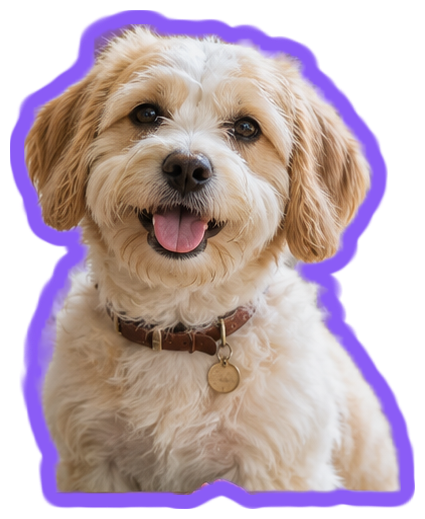
Dog
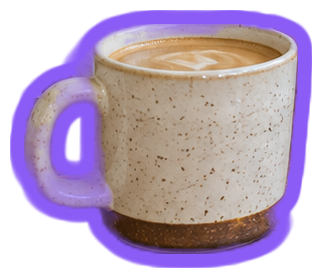
Coffee cup
Plant
Hanging plant
Keep them all
Individual files or one ZIP
Use JPG, PNG, or WebP without converting the original file first.
Try white, black, or a custom border color and watch every sticker update instantly.
Choose transparent PNG for designs or 512px WebP for a chat sticker collection.
Choose a JPG, PNG, or WebP file up to 25 MB.
Keep the stickers you like. Use Choose an object yourself to add another subject from the same image.
Adjust the outline and save each transparent image or the full set as a ZIP.
Image to sticker converter
You can add JPG, PNG, and WebP images.
Yes. Transparent PNG keeps the background clear around your selected subject.
The artwork becomes a single sticker, ready for a border. Photos with a solid background go through the automatic cutout process.
Yes. Choose Download all to save one ZIP containing your finished stickers as separate PNG or WebP files. The ZIP uses 1 credit per image inside, and the total is shown before downloading.
Yes. Change Border thickness or Border color and all your sticker previews update immediately. Downloads keep the style you see. Set thickness to 0 for a cutout without a border.
Image conversion, previews, and border editing are free without registration. Sign up for 1 free credit to download your first PNG or WebP. Each downloaded image uses 1 credit, including images in a ZIP.
Each image can be up to 25 MB. You can choose several supported images together or add more after processing finishes.
StickerSplit starts finding people, pets, and common objects as soon as you add a photo. The finished cutouts appear as separate stickers ready to style and download.
Choose an object yourself, click inside the subject, and select Create sticker after reviewing the highlighted area. Adjust selection lets you include or exclude extra areas before saving.
Standard is the starting mode for everyday photos; High quality offers another approach for tricky edges and busy backgrounds. Both create automatic cutouts, and High quality takes longer.
Your images are processed locally in your browser. The image files stay on your device while you make and download stickers.