Keep the subject readable
A generous fit prevents faces and outlines from touching the edge.
WhatsApp sticker size guide
This guide includes a 512px WebP sticker tool for people preparing WhatsApp sticker sets, with free generation and previews. Sign up for 1 free credit; each downloaded image uses 1 credit.
Keep faces and reactions easy to recognize in a chat. StickerSplit places each cutout inside a transparent 512 × 512 WebP image, with space around the border.
Your sticker studio
One photo, separate stickers
This sample becomes five automatic cutouts. Each sticker is a separate transparent PNG, shown here with a purple border.


Person
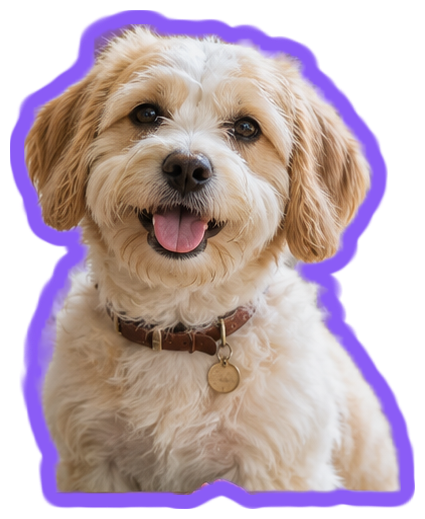
Dog
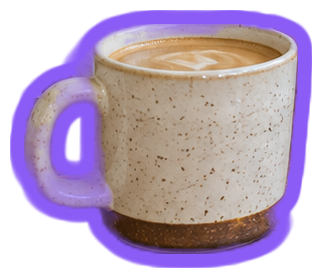
Coffee cup
Plant
Hanging plant
Keep them all
Individual files or one ZIP
A generous fit prevents faces and outlines from touching the edge.
WebP keeps transparency while producing a compact chat-friendly file.
Create several reactions and download every WebP in one ZIP.
Choose a clear reaction, person, pet, or object.
Review the automatic results, keep your favorites, and try a border that stands out.
Choose WhatsApp sticker under Download as and download the individual images or full ZIP.
At 512 × 512, a face, pose, or clear object shape usually carries the idea better than a large scene. StickerSplit fits each cutout inside the square with space around its outer edge, so the subject stays fully visible.
White works across many chat backgrounds. A brighter color can give a group of reactions its own style. Change Border color or Border thickness while watching the previews; the downloaded files use those same settings.
Download the WebP images, then extract the ZIP if you saved the collection together. Import those files into a sticker app that accepts WebP, arrange your pack there, and use its Add to WhatsApp option.
WhatsApp sticker size guide
Each result is a transparent 512 × 512 WebP image, with the subject fitted inside the square.
Yes. Choose WhatsApp sticker under Download as, then select Download all to save the WebP images in a ZIP.
The ZIP keeps your image files together. Extract it, then import the WebP images through a sticker app to add your pack to WhatsApp.
Yes. Choose Download all to save one ZIP containing your finished stickers as separate PNG or WebP files. The ZIP uses 1 credit per image inside, and the total is shown before downloading.
Yes. Change Border thickness or Border color and all your sticker previews update immediately. Downloads keep the style you see. Set thickness to 0 for a cutout without a border.
Creating and previewing 512 × 512 WebP sticker images is free without signing up. Sign in to save them. Each image uses 1 credit, including images inside a ZIP, and new accounts receive 1 free credit.
You can start with JPG, PNG, or WebP images up to 25 MB each. Choose WhatsApp sticker under Download as to export the finished cutout at 512 × 512.
An already-transparent PNG can become a 512 × 512 WebP sticker. Add it to the tool, choose a border, and select WhatsApp sticker under Download as.
You can upload the full photo without cropping it to a square first. The tool creates a cutout and fits the finished subject inside the 512 × 512 WebP image.
Choose PNG image under Download as to save the same cutout with a transparent background in PNG format. The 512 × 512 square export applies to WhatsApp sticker WebP downloads.
Your photos are processed locally in your browser. The tool creates and exports the stickers without uploading the photo files to a server.